
Fingerprinting for WeSERV Members
Monday, February 2, 2026 (9:00 AM - 4:00 PM) (MST)
Description
The Arizona Department of Real Estate is enforcing the updated Fingerprint Clearance Card requirement as part of the license renewal process. As such, the requirement timeframe will coincide with the real estate license. To ensure public safety and protect real estate professionals, the Commissioner requires that all Arizona Real Estate License holders provide the Department with a valid Fingerprint Clearance Card issued pursuant to section A.R.S. §32-2108(C)(2). All licensees should log into their portal to verify their card status on file.
YOU MUST COMPLETE THE AZDPS CLEARANCE CARD APPLICATION IN ADVANCE!
To take advantage of this service and schedule your fingerprinting appointment, please follow these steps:
Step 1: Create Your DPS Account
- Navigate to the Arizona DPS Public Services Portal: https://psp.azdps.gov/
- Click on the "Sign up" link, usually located in the top right corner of the page.
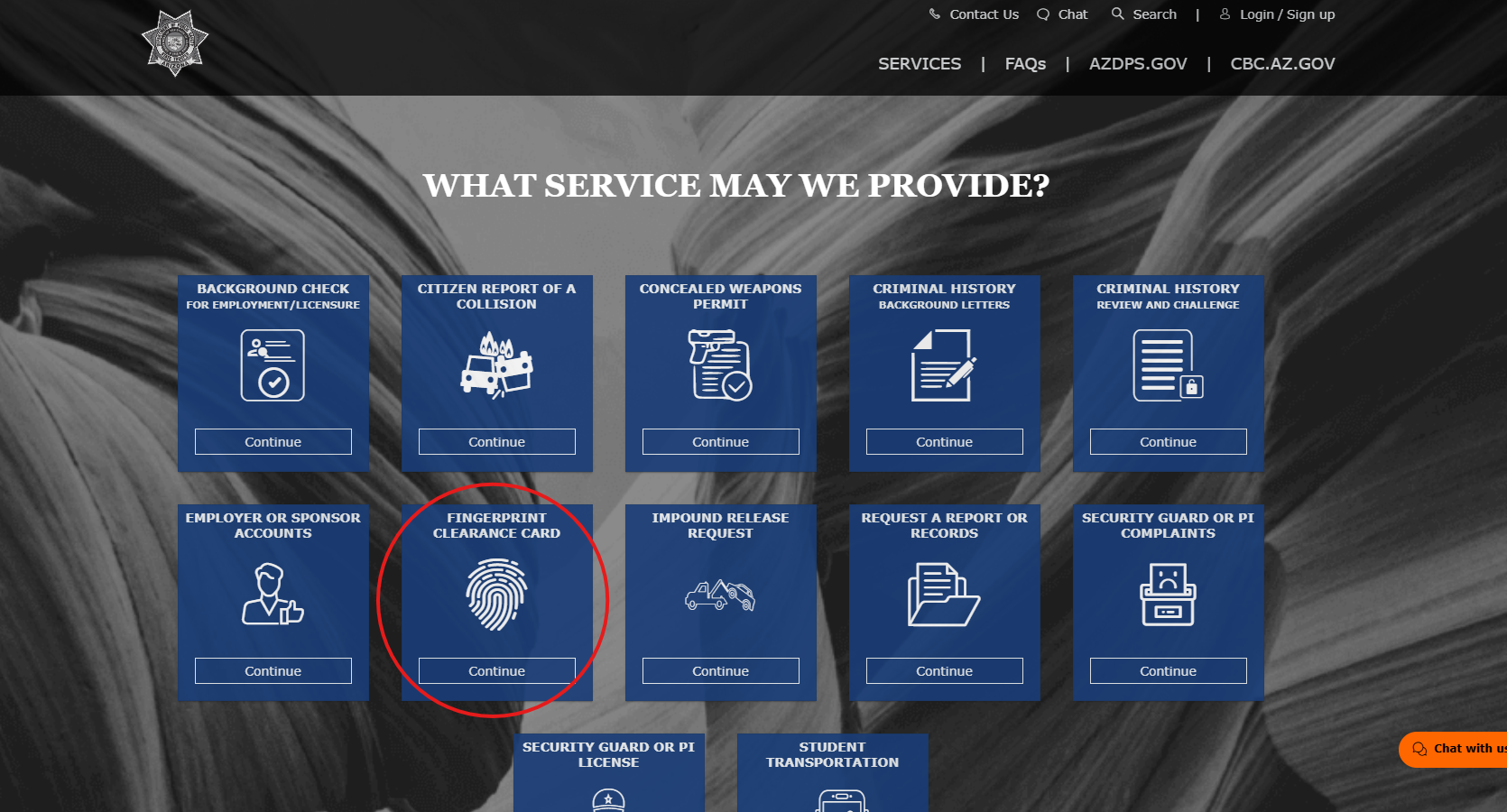
- Select "Fingerprint Clearance Card" from the available options
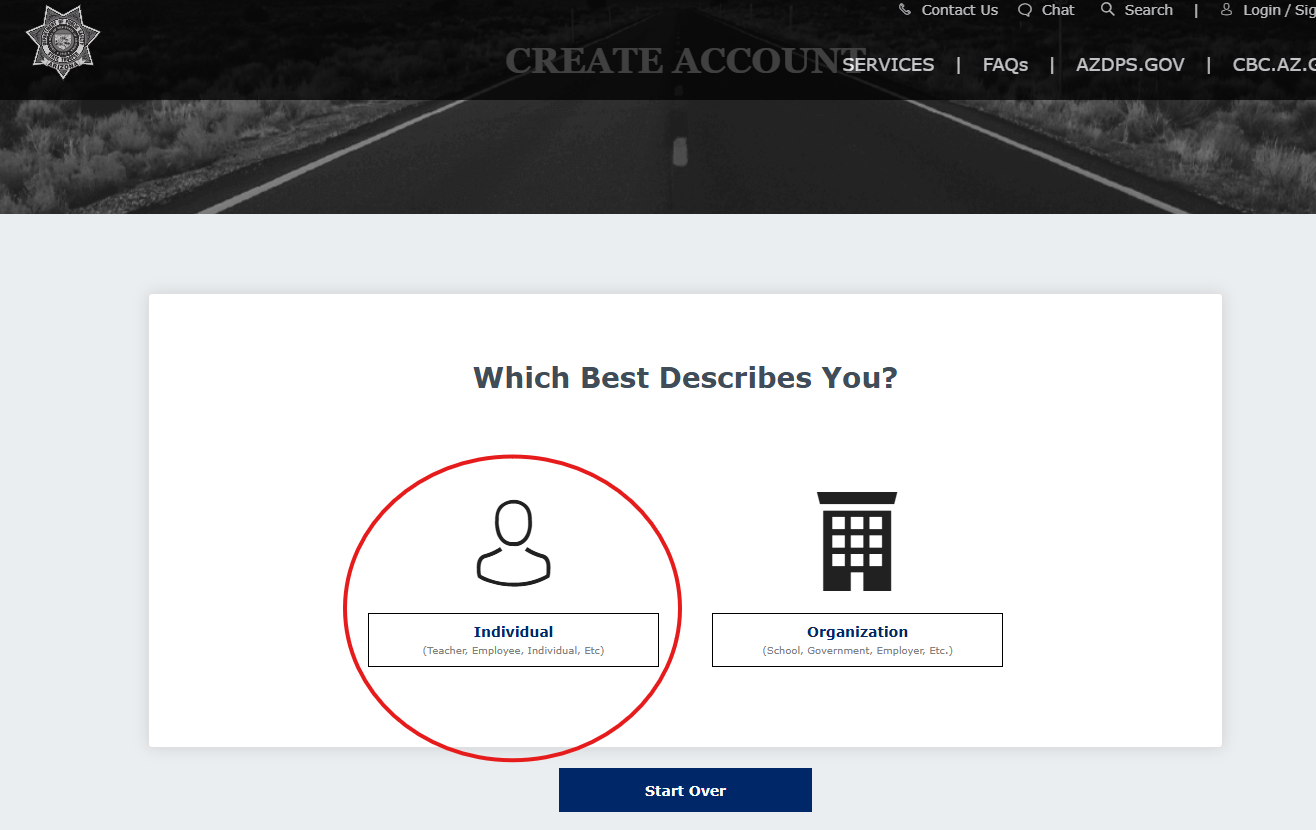
- Choose "Individual"
- You will be guided through a 4-step process to create your account:
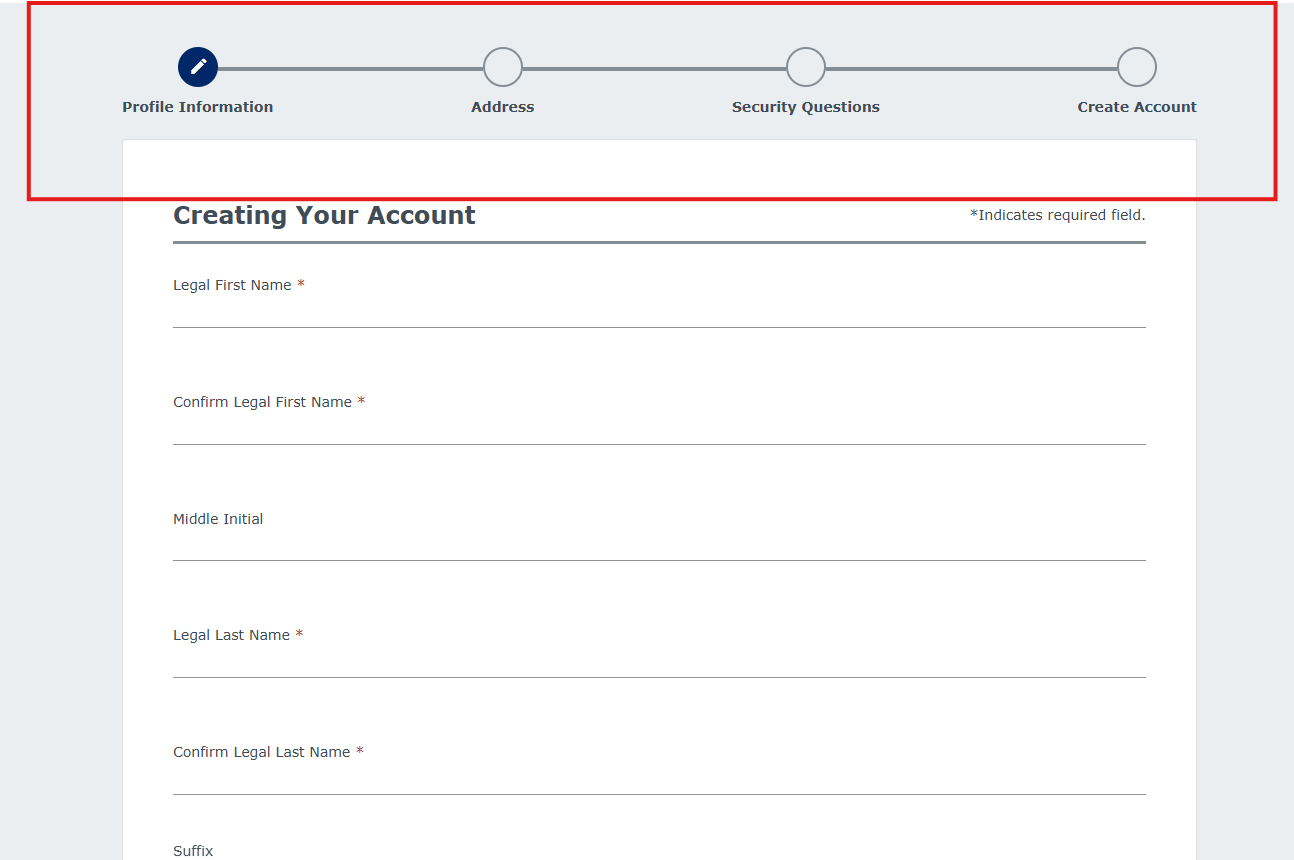
- Profile Information: Fill in your legal name, date of birth, email address, and create a password. Ensure all information is accurate and matches your legal documents.
- Address: Provide your current mailing address.
- Security Questions: Set up security questions for account recovery.
- Create Account: Review your information and finalize the account creation.
- You will receive a verification email. Click the link in the email to verify your account.
Step 2: Apply for the Non-IVP Fingerprint Clearance Card
- Once your account is created and verified, log in to the DPS Public Services Portal: https://psp.azdps.gov/account/login
- From the main dashboard, select "Fingerprint Clearance Card".
- Choose "Apply for a Card / Request a Replacement" and click "Continue".
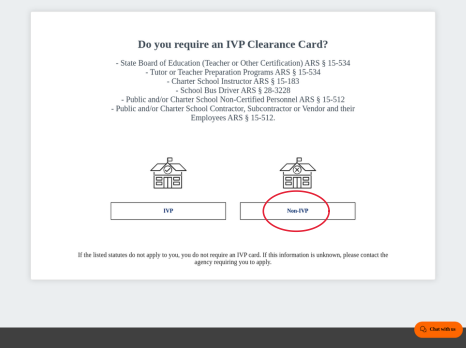
- You will be prompted to select the type of card. Choose "Non-IVP".
- For the "Reason for Applying," select "AZ Department of Real Estate – Licensure ARS §32-2108.01" from the dropdown menu.
- Complete the application with your personal information.
- Pay the required fee online with a credit or debit card.
Step 3: Print your receipt and bring it to your Fingerprinting appointment with $40 to be fingerprinted.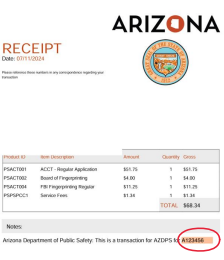
For Users Who ALREADY Have an Arizona DPS Account
If you already have an account on the Arizona DPS Public Services Portal, the process is more straightforward.
- Log in to your account on the Arizona DPS Public Services Portal:
- https://psp.azdps.gov/account/login
- From your account dashboard, navigate to the "Fingerprint Clearance Card" section.
- Select "Apply for a Card / Request a Replacement" and click "Continue".
- Choose "Non-IVP" as the card type.
- For the "Reason for Applying," select "AZ Department of Real Estate – Licensure ARS § 32-2108.01".
- Follow the prompts to complete the application and submit the payment.
- If your previous fingerprints are still valid and on file, you may not need to be fingerprinted again. If new fingerprints are required, you will be prompted to schedule an appointment.
Images

A $40.00 fingerprinting service fee will be collected upon arrival for your appointment.
(This fee is not included in the AZDPS account setup fee.)
1733 E Northrop Blvd
Chandler, AZ 85286